

UX UI Design Course
Join our beginner-friendly UX/UI Design course and learn how to create Web Applications, Mobile Apps and Websites using Figma. Work on real design projects, understand user journeys, and build your portfolio to kickstart your career in digital product design.
Online Course
- 15 Weeks Duration
- 75 Modules
- 150 Hours
- Installment Options
- Certification
- Placement Support
- 100% Practical
- Startup Guidance
- Freelancing
What is UX & UI?
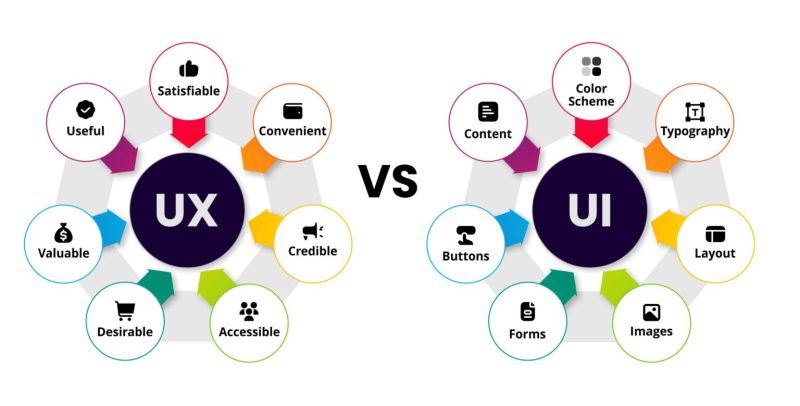
UX (User Experience) and UI (User Interface) Design are two critical components in the development of a product or website, focusing on the overall experience of the user and how they interact with the product.
UX Design Refers to the process of improving user satisfaction with a product by enhancing the usability, accessibility, and pleasure provided in the interaction.
UI Design Focuses on the visual and interactive elements of a product—what users see and touch.
Together, UX/UI design ensures the product is both user-friendly and visually appealing.
What you'll learn?
Want to become a UX/UI designer but don’t know where to start? Our beginner-friendly UX/UI Design Course is the perfect starting point to learn how to design mobile apps and websites that not only look great but also work smoothly for users.
In this course, you’ll learn the full process of User Experience (UX) design, including how to:
Understand user needs
Plan user journeys
Create wireframes and user flows
Solve real problems through design
You’ll also learn User Interface (UI) design with Figma, the top design tool used by professionals. You’ll discover how to:
Design beautiful interfaces
Work with components and styles
Build clickable prototypes
Prepare your designs for development
We focus on practical, hands-on learning, not just theory. You’ll work on real projects throughout the course — mobile apps, landing pages, and full website designs — and build a portfolio you can proudly share with clients or hiring managers.
Whether you’re a student, freelancer, or someone switching careers, this UX/UI course will give you the skills and confidence to start your journey in the design industry.
Key Highlights
Learn UX research, wireframing, and UI design in one course
Work on real-world design projects
Learn Figma from beginner to advanced
Build your design portfolio
Get support from expert mentors
What you’ll do?
Building a UX Portfolio
Final Capstone Project
What you’ll gain?
Skills, Expertise and Confidence
Problem-Solving Abilities
Understanding Technology
Certification and finally Career Opportunities
Detailed course breakup for UX/UI Design
Explore diverse courses designed to enhance skills, boost careers, and foster personal and professional growth.
Total Duration: 15 Weeks | Daily Time: 2 Hours | Weekly Hours: 10 Hours | Total Course Hours: 150 Hours
Topics Covered >
Day 1: What is UX? – Definition, Importance, Real-world Examples
Day 2: UX vs UI - Key Differences with Case Studies
Day 3: UX Design Process Overview
Day 4: Roles in a UX/UI Team – Designer, Researcher, Developer, PM
Day 5: Tools Introduction – Figma, Miro, Notion, Adobe XD, etc.
Topics Covered >
Day 6: What is User Research? Types of Research
Day 7: Conducting User Interviews and Surveys
Day 8: Creating Personas – Demographics, Behaviors, Pain Points
Day 9: Empathy Mapping Workshop
Day 10: Competitor Analysis and Heuristic Evaluation
Topics Covered >
Day 11: Affinity Mapping – Organizing Research
Day 12: Creating User Journey Maps
Day 13: Identifying Pain Points & Opportunities
Day 14: How to Write Effective Problem Statements
Day 15: Crafting Value Propositions
Topics Covered >
Day 16: Introduction to Ideation Techniques (Crazy 8s, Brainstorming)
Day 17: User Flows and Task Flows
Day 18: Sitemap Creation – Structuring Content
Day 19: Card Sorting Activity
Day 20: Best Practices for Navigation Design
Topics Covered >
Day 21: What is Wireframing? Importance & Tools
Day 22: Sketching Paper Wireframes (Activity-Based)
Day 23: Creating Low-Fidelity Wireframes in Figma
Day 24: Wireframe Patterns – Forms, Cards, Navigation, etc.
Day 25: Usability Checklist for Wireframes
Topics Covered >
Day 26: What is UI Design?
Day 27: Design Principles – Contrast, Balance, Consistency, etc.
Day 28: Color Theory & Accessibility Basics
Day 29: Typography – Best Practices
Day 30: Visual Hierarchy and Layouts
Topics Covered >
Day 31: Creating Mid-Fidelity Wireframes
Day 32: Working with Grids and Spacing
Day 33: UI Components: Buttons, Forms, Inputs
Day 34: Building a Style Guide (Color, Typography, Spacing)
Day 35: Creating a Design System – Basics
Topics Covered >
Day 36: Figma Interface – Tools & Shortcuts
Day 37: Frames, Components, and Variants
Day 38: Auto Layout and Constraints
Day 39: Prototyping in Figma – Clickable Flows
Day 40: Sharing & Collaborating on Figma Files
Topics Covered >
Day 41: Moving from Mid-Fi to Hi-Fi – Design Preparation
Day 42: Designing Mobile Screens (UI Patterns)
Day 43: Designing Web/Desktop Interfaces
Day 44: Iconography & Micro-interactions (Intro)
Day 45: UI Animation Basics in Figma
Topics Covered >
Day 46: Understanding Responsive Layouts (Mobile, Tablet, Desktop)
Day 47: Breakpoints and Layout Grids
Day 48: Figma Auto Layout for Responsiveness
Day 49: Designing for iOS vs Android
Day 50: Accessibility in Responsive Design
Topics Covered >
Day 51: Why Prototype? Types of Prototypes
Day 52: Creating Clickable Prototypes in Figma
Day 53: Usability Testing – Planning & Execution
Day 54: Gathering Feedback & Observations
Day 55: Analyzing Results and Iterating Designs
Topics Covered >
Day 56: What is Design Thinking? Stages Explained
Day 57: Empathize & Define (Recap with Activity)
Day 58: Ideate & Prototype
Day 59: Test & Iterate
Day 60: Group Project Kickoff – Apply Full Process
Topics Covered >
Day 61: Select a Real-World Problem & Research
Day 62: User Personas & Journey Maps
Day 63: Sitemap & User Flows
Day 64: Wireframes & UI Screens
Day 65: Peer Review & Feedback
Topics Covered >
Day 66: Hi-Fi UI Screens
Day 67: Prototyping
Day 68: Usability Testing
Day 69: Design Refinement
Day 70: Project Finalization
Topics Covered >
Day 71: What is Design Handoff? Tools & Process (Zeplin, Figma Inspect)
Day 72: Preparing Developer-Friendly Files & Specs
Day 73: Portfolio Preparation (Behance, Notion, Website)
Day 74: Resume & LinkedIn for UX Designers
Day 75: Mock Interview & Final Presentation
Take the next step in your learning
These courses are the perfect follow-up to help you grow faster and smarter.
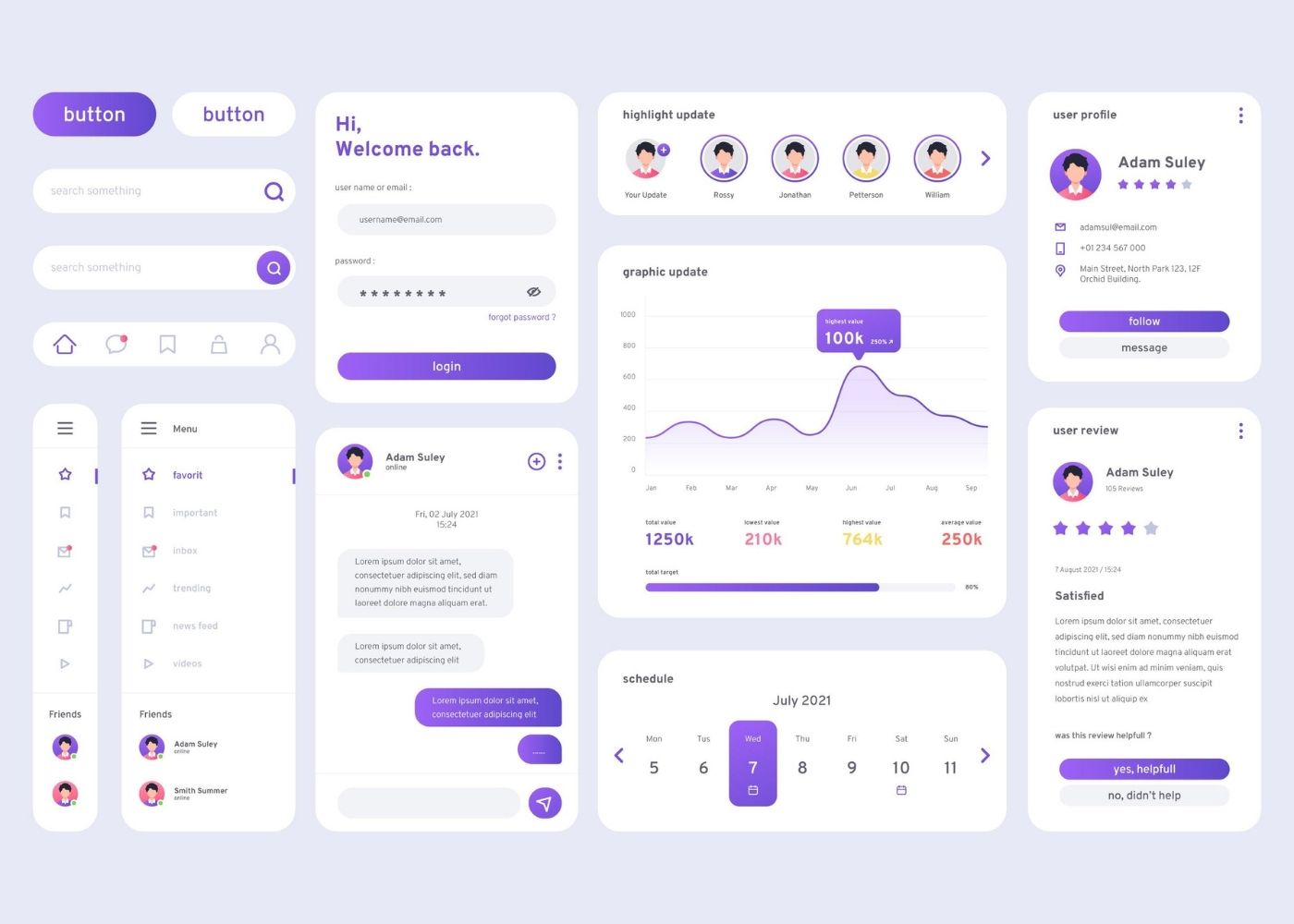
UI Basic & Figma course
Learn UI design with our beginner-friendly Figma course—master clean, modern interfaces and gain real-world, hands-on design skills fast.
- 8 weeks
- 40 Modules
- Online
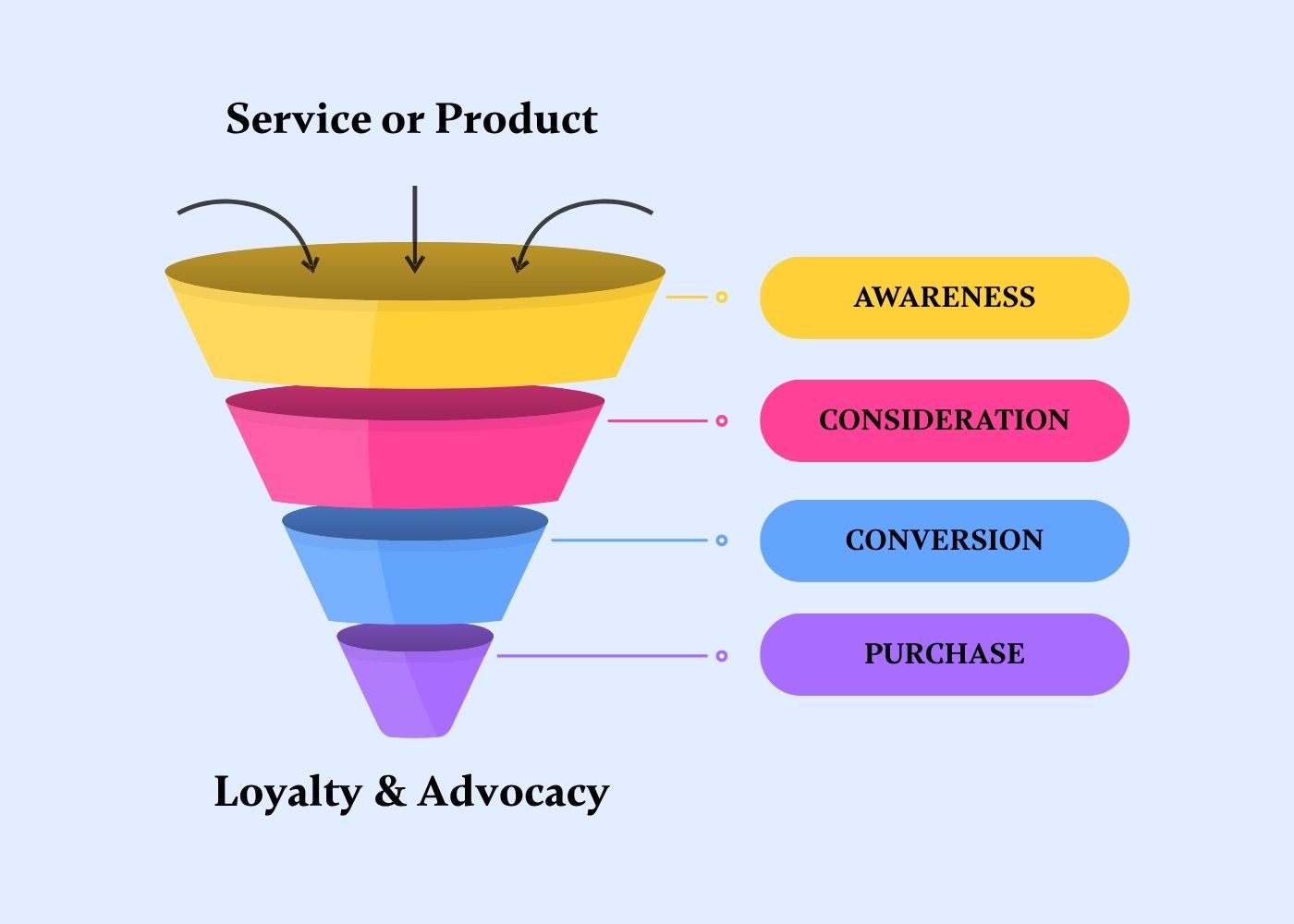
Digital marketing course
Master digital marketing with our course—learn SEO, social media, content, PPC, and analytics to boost online growth and success.
- 8 weeks
- 40 Modules
- Online
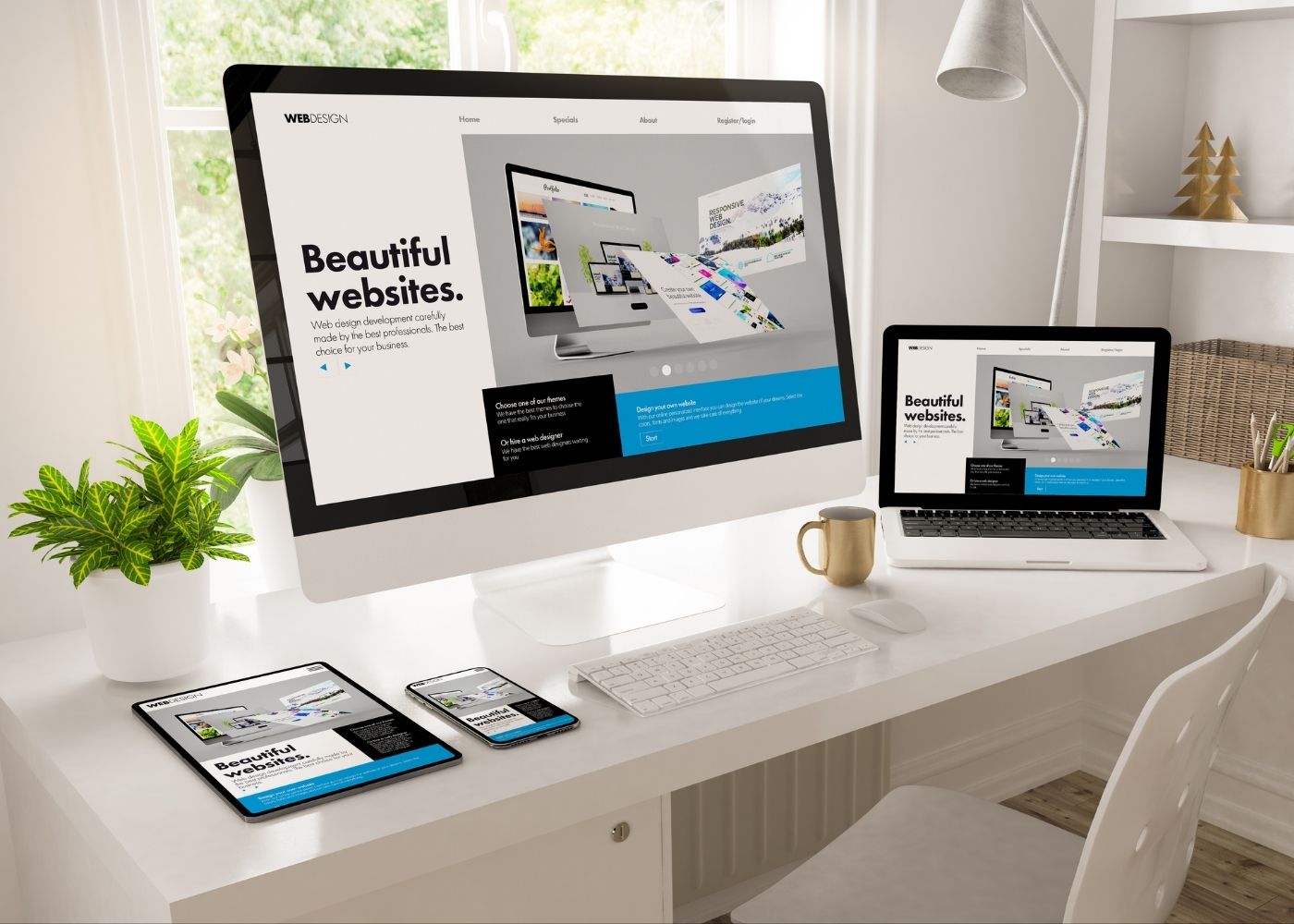
WordPress design
Learn to create stunning, functional websites with our WordPress course—no coding needed. Perfect for beginners and professionals.
- 4 weeks
- 20 Modules
- Online
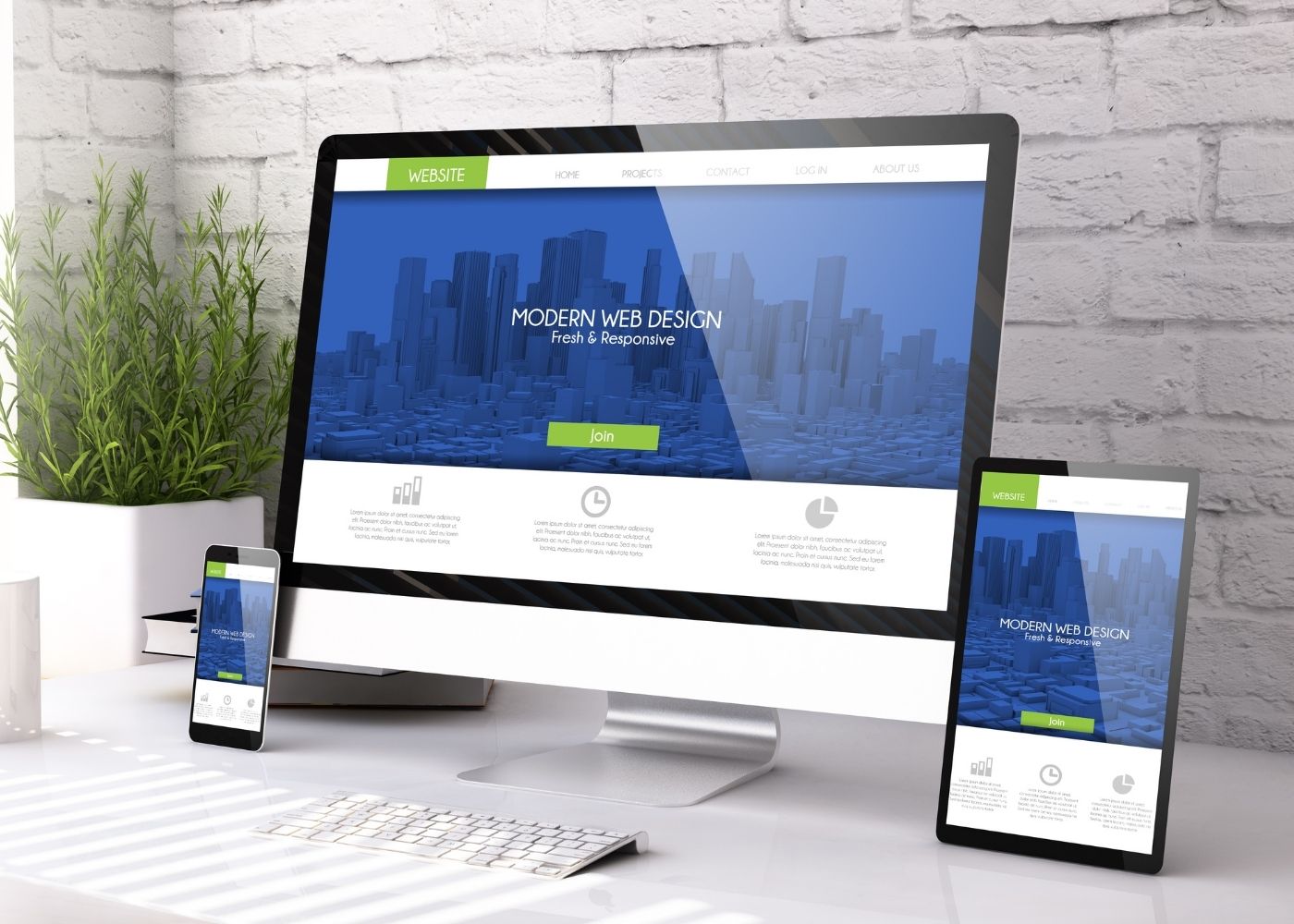
Framer design
Design and publish modern, responsive websites with Framer - no coding needed. Perfect for beginners to build stunning pages easily.
- 4 weeks
- 15 Modules
- Online
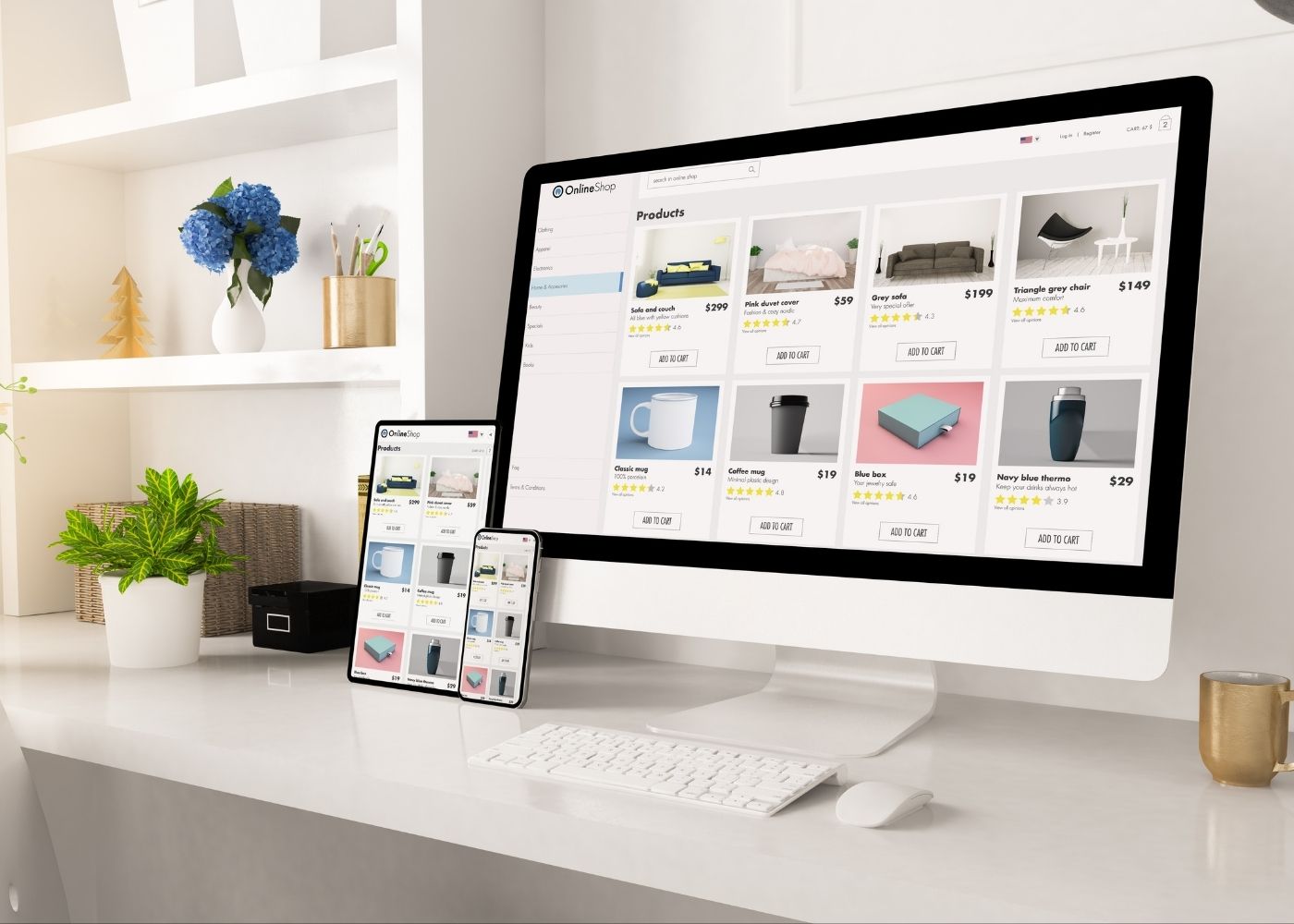
Woo-Commerce
Learn to build, manage, and customize online stores with product setup, payment integration, and e-commerce success strategies.
- 4 weeks
- 20 Modules
- Online