
Stelliferous digital courses

WordPress using Elementor

Learn how to build complete websites using WordPress. From choosing themes and installing plugins to customizing pages and launching your site - this course helps you create professional websites without needing any coding or web development experience.

Online Course

Introduction

This course is designed for beginners who want to create modern, responsive websites without coding. You’ll learn how to use WordPress and Elementor, a powerful drag-and-drop builder, to design professional websites for businesses, portfolios, blogs, and more. Perfect for aspiring freelancers, entrepreneurs, or anyone who wants to build websites quickly and efficiently.

What you'll learn?

Want to create your own website but don’t know how to code? Our WordPress Development Course for beginners teaches you how to build beautiful, fully functional websites — without any technical experience.

In this course, you’ll learn how to:

  • Choose and install the right WordPress theme

  • Set up essential plugins for added features and security

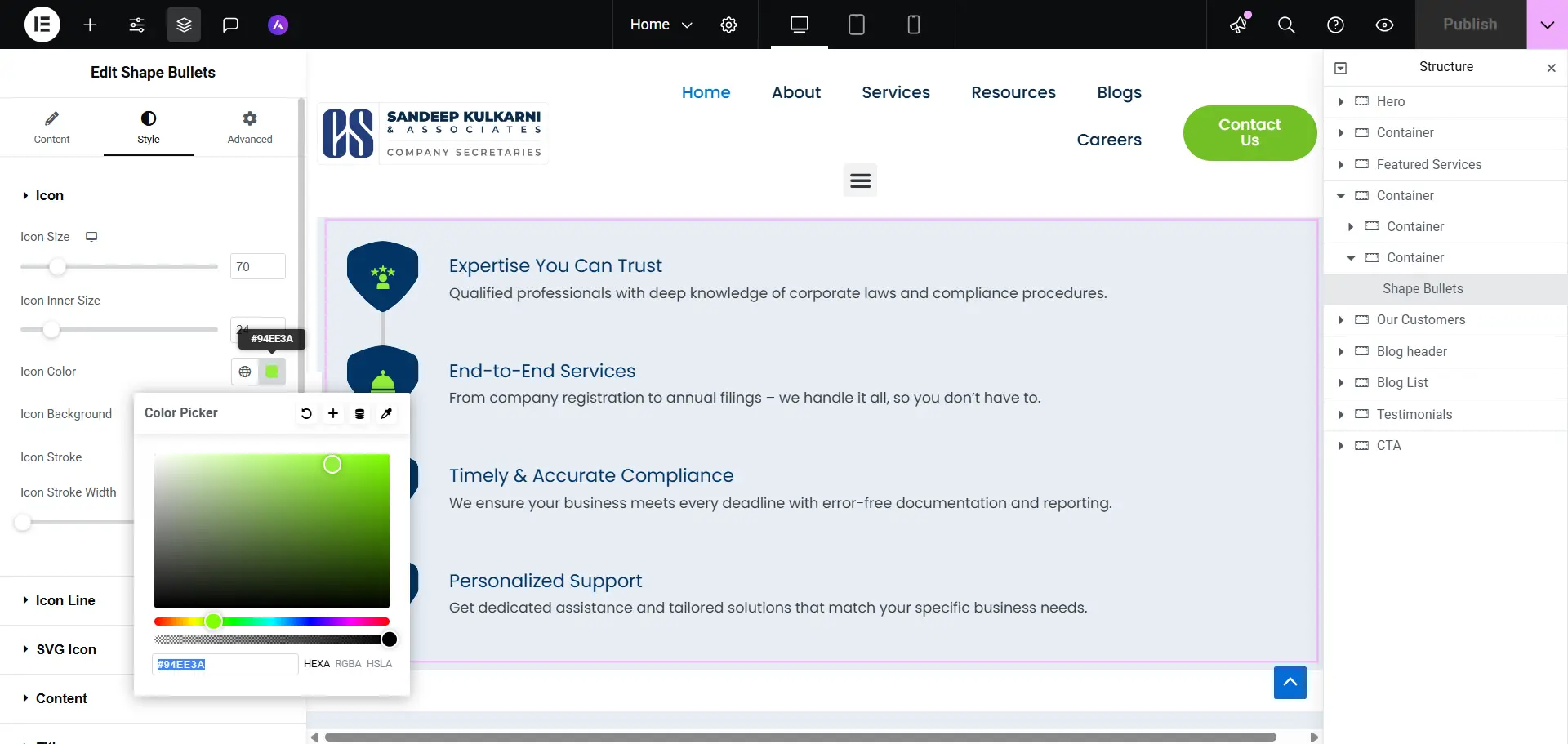
  • Customize pages using drag-and-drop builders like Elementor

  • Create menus, blogs, and contact forms easily

You’ll also explore advanced tools to:

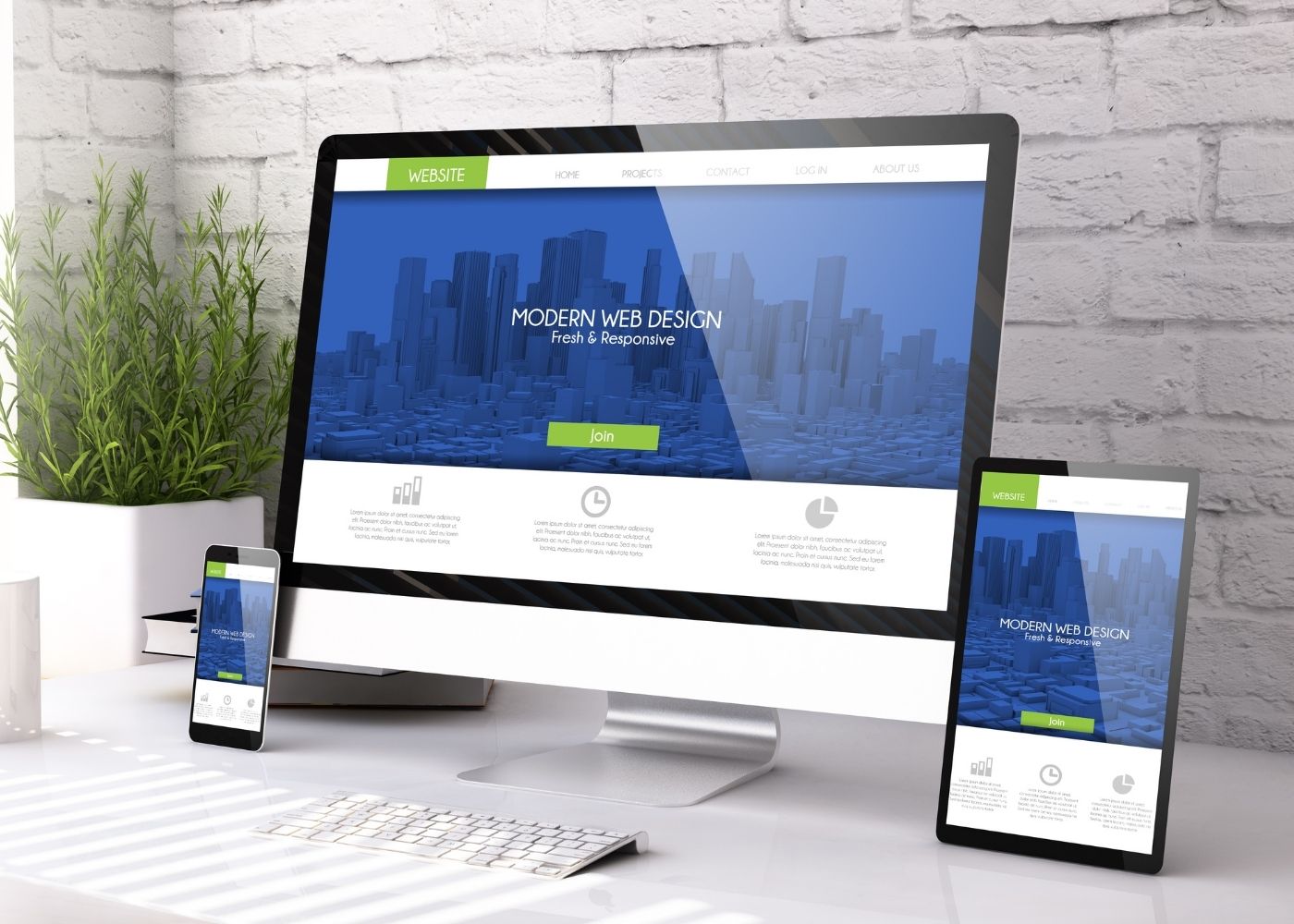
  • Design mobile-friendly, responsive websites

  • Set up SEO basics to help your site rank on Google

  • Speed up your website with caching and performance tools

  • Launch your site on a live domain and hosting platform

This course is hands-on and project-based. You’ll build real websites like business pages, blogs, and landing pages — while learning how to manage everything from the WordPress dashboard.

Whether you’re a student, freelancer, small business owner, or someone looking to build websites professionally, this course gives you the skills, tools, and confidence to get started right away.

Key Highlights

  • No coding or technical knowledge required

  • Learn WordPress step-by-step from installation to launch

  • Work with themes, plugins, and page builders

  • Practical projects you can follow and recreate

  • Learn at your own pace with full access to recordings

What you’ll do?

  • Build complete websites using WordPress and Elementor

  • Customize pages, headers, and menus visually

  • Set up blogs, image galleries, and contact forms

  • Launch your website with domain and hosting setup

What you’ll gain?

  • A strong understanding of WordPress website creation

  • Real websites added to your personal or client portfolio

  • Skills to build websites for clients or your own business

  • A course completion certificate to show your expertise

Detailed course breakup for WordPress

Explore WordPress from the ground up — from installation and themes to plugins, SEO, and website deployment — with clear, beginner-friendly courseware designed to help you build professional websites with ease.

Total Duration: 4 Weeks | Daily Time: 2 Hours | Weekly Hours: 10 Hours | Total Course Hours: 40 Hours

WEEK 1: Web Fundamentals & Setup

Topics Covered >

  • Day 1: Introduction to WordPress & Web Concepts

  • Day 2: Domain & Hosting
  • Day 3: WordPress Installation
  • Day 4: WordPress Dashboard Deep Dive
  • Day 5: Themes and Design Basics
WEEK 2: Pages, Design, and Builders

Topics Covered >

  • Day 6: Creating Pages & Menu Structure

  • Day 7: Gutenberg Editor (Block Editor)

  • Day 8: Elementor Introduction

  • Day 9: Designing with Elementor – Homepage

  • Day 10: Footer, Header, and Global Design

WEEK 3: Functionality & Content

Topics Covered >

  • Day 11: Blog Setup

  • Day 12: Forms & Contact Page

  • Day 13: Plugins for Features & SEO

  • Day 14: SEO Basics with Yoast

  • Day 15: Image Optimization & Media Management

WEEK 4: Testing, Optimization & Launch

Topics Covered >

  • Day 16: Website Testing

  • Day 17: Speed Optimization

  • Day 18: WordPress Security

  • Day 19: Backup & Restore

  • Day 20: Final Launch & Google Submission

Take the next step in your learning

These courses are the perfect follow-up to help you grow faster and smarter.

Scroll to Top

Get fee details instantly

Enter your info to receive complete course pricing and offers.

Cancellation policy

Cancellation Before Course Start:

Cancellation After Course Start:

No-Show Policy:

Batch Transfers:

Refund Timeline: