
Stelliferous digital courses

E-commerce Website design using Woo-commerce

Build your own online store using WooCommerce and WordPress. Learn how to add products, set up payments, manage orders, and grow your e-commerce business. This beginner-friendly course helps you start selling online with zero technical background.

Online Course

Introduction

This course is for anyone who wants to create a professional eCommerce website using WooCommerce, the most popular online store plugin for WordPress. Whether you’re a business owner, freelancer, or aspiring web designer, this course teaches you how to set up and run a fully functional online store—no coding required.

What you'll learn?

Want to start your own online store but don’t know where to begin? Our WooCommerce Store Design Course is the perfect way to learn how to build a fully functional e-commerce website using WordPress and WooCommerce — without writing a single line of code.

In this course, you’ll learn everything you need to launch your online business, including how to:

  • Set up a WordPress website with WooCommerce

  • Add and organize products with images, pricing, and categories

  • Configure shipping, taxes, and payment gateways

  • Manage orders, inventory, and customer data from one dashboard

You’ll also explore key store optimization and business tools like:

  • Setting up coupons and discounts to boost sales

  • Using reports and analytics to track store performance

  • Adding secure checkout pages and mobile-friendly designs

  • Integrating marketing tools like email and social media

This course is designed for complete beginners. Whether you’re selling products from home or launching your own brand, we’ll guide you step-by-step with real store examples and practical tasks.

By the end, you’ll have a ready-to-sell online store, the skills to manage it, and the confidence to grow your e-commerce business.

Key Highlights

  • No technical or coding skills required

  • Beginner-friendly training on WordPress + WooCommerce

  • Step-by-step store setup with real examples

  • Includes tools for payment, shipping, and product management

  • Lifetime access to lessons and support materials

What you’ll do?

  • Build a live e-commerce website from scratch

  • Add products, images, prices, and stock details

  • Set up payments, shipping, and tax rules

  • Launch your store and start accepting orders confidently

What you’ll gain?

  • A working online store powered by WordPress and WooCommerce

  • Practical skills to manage orders, customers, and inventory

  • Knowledge to promote and grow your e-commerce business

  • A completion certificate to add credibility to your profile

Detailed course breakup for Woo-Commerce Website

Explore diverse courses designed to enhance skills, boost careers, and foster personal and professional growth.

Total Duration: 4 Weeks | Daily Time: 2 Hours | Weekly Hours: 10 Hours | Total Course Hours: 40 Hours

WEEK 1: Basics of eCommerce, WordPress & WooCommerce

Topics Covered >

  • Day 1: Introduction to WooCommerce & Requirements

  • Day 2: WordPress Installation & Dashboard Overview

  • Day 3: Theme Setup & Customization

  • Day 4: Installing & Configuring WooCommerce

  • Day 5: Pages & Store Structure

WEEK 2: Products, Store Management & Settings

Topics Covered >

  • Day 6: Adding & Managing Products

  • Day 7: Advanced Product Features

  • Day 8: WooCommerce Settings Deep Dive

  • Day 9: Must-Have Plugins & SEO Basics

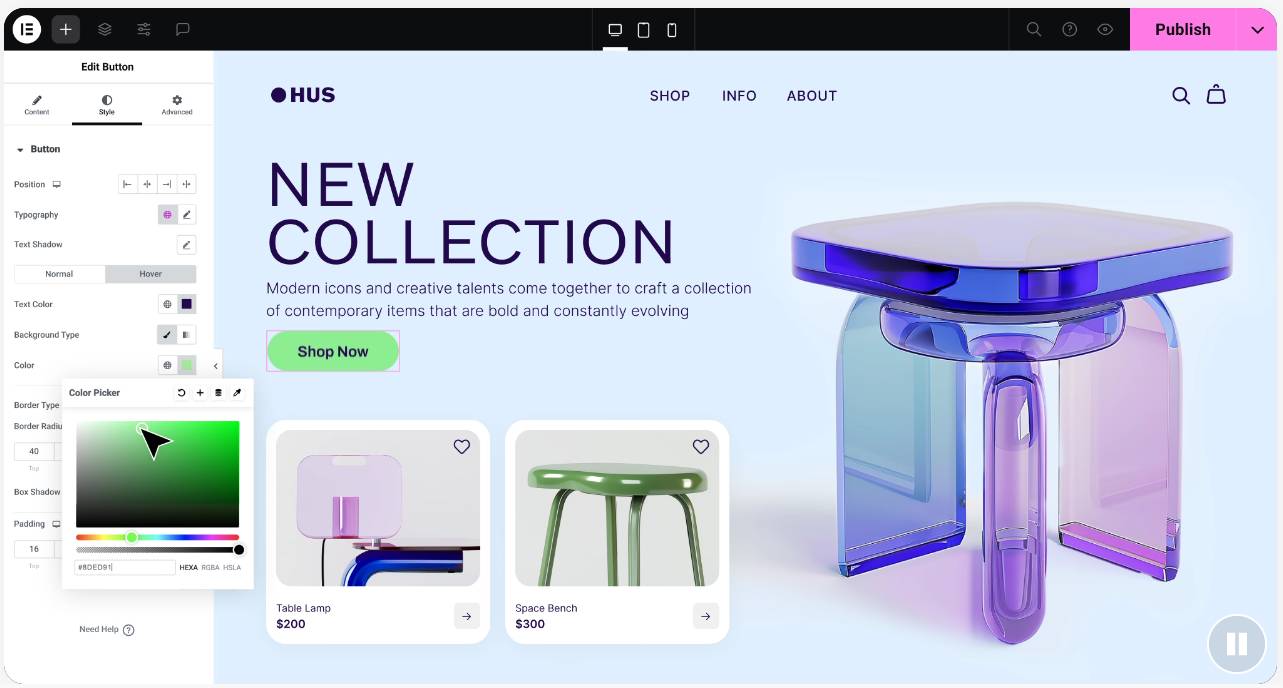
  • Day 10: Design Enhancements & Mobile Optimization

WEEK 3: Testing, Orders, and Pre-Launch

Topics Covered >

  • Day 11: Payment & Order Testing

  • Day 12: Launch Preparation

  • Day 13: Publishing Your Store

  • Day 14: Site Debugging & User Testing

  • Day 15: Final Polish & Peer Review

WEEK 4: Marketing, Growth & Maintenance

Topics Covered >

  • Day 16: Introduction to Marketing Your Store

  • Day 17: Setting Up Email Marketing & Social Sharing

  • Day 18: Introduction to Facebook/Google Ads for WooCommerce

  • Day 19: Starting a Blog for SEO

  • Day 20: Maintenance, Backup & Course Recap

Take the next step in your learning

These courses are the perfect follow-up to help you grow faster and smarter.

Scroll to Top

Get fee details instantly

Enter your info to receive complete course pricing and offers.

Cancellation policy

Cancellation Before Course Start:

Cancellation After Course Start:

No-Show Policy:

Batch Transfers:

Refund Timeline: