
UI Basics & Figma
Start designing with Figma from scratch. Learn to create wireframes, prototypes, and design modern UI layouts. This course is for beginners who want to understand Figma and start creating user-friendly interfaces without any design background.
Online Course
- 8 Weeks Duration
- 40 Modules
- 80 Hours
- Installment Options
- Certification
- Placement Support
- 100% Practical
- Startup Guidance
- Freelancing
Introduction
This course is designed for beginners who want to step into the world of user interface design. You’ll learn the foundational principles of UI design and gain hands-on experience using Figma, one of the most popular design tools in the industry.
Whether you aim to become a UI/UX designer or simply want to create beautiful and functional interfaces, this course will help you get started the right way.
What you'll learn?
Want to start designing user interfaces but not sure where to begin? Our Figma Design Course for beginners is the perfect starting point to learn how to design websites, mobile apps, and digital products — all using one powerful tool: Figma.
In this course, you’ll learn the complete process of designing user-friendly interfaces, including how to:
Plan layouts using grids and spacing
Create wireframes for websites and mobile screens
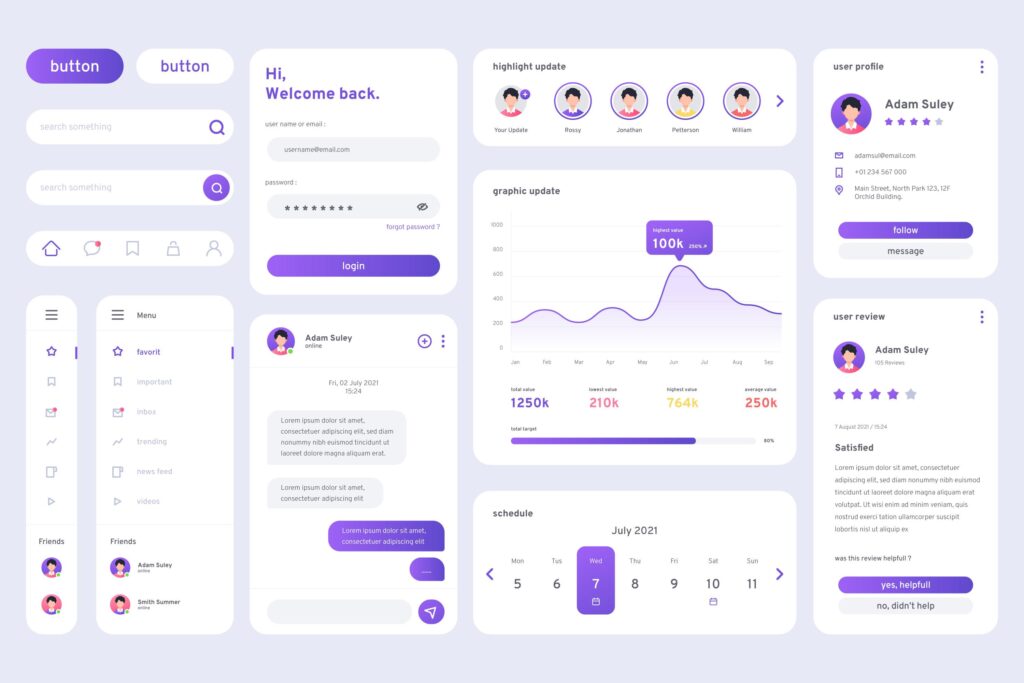
Use typography, colors, and components effectively
Build reusable design systems and UI kits
You’ll also explore Figma’s advanced features to:
Create responsive designs for all screen sizes
Build interactive prototypes with animations and transitions
Share your work with teams and clients
Present your designs confidently and professionally
This course is completely hands-on. You’ll follow step-by-step lessons and complete real design tasks, working on actual UI projects like landing pages, mobile screens, and dashboard layouts. By the end, you’ll have a professional portfolio ready to share.
Whether you’re a student, freelancer, or someone looking to shift into design, this course will give you the skills, tools, and confidence to start your journey as a UI designer.
Key Highlights
100% beginner-friendly – no prior design skills needed
Step-by-step Figma training using the latest version
Real-world examples and guided practice throughout
Access to templates, resources, and design exercises
Learn at your own pace with recorded sessions
What you’ll do?
Design responsive UI screens for websites and mobile apps
Build interactive prototypes with smooth transitions
Use Figma’s grids, layout tools, and components
Collaborate on live files and present your work confidently
What you’ll gain?
A strong foundation in Figma and modern UI design principles
A ready-to-share portfolio with real projects
Confidence to take on freelance or full-time UI design work
A course completion certificate to boost your resume and profile
Master Figma Step-by-Step with Structured Courseware
Break down your Figma learning journey into easy-to-follow modules covering interface basics, layout design, prototyping, and collaboration tools—perfect for beginners and aspiring UI/UX designers.
Total Duration: 8 Weeks | Daily Time: 2 Hours | Weekly Hours: 10 Hours | Total Course Hours: 80 Hours
Topics Covered >
Day 1: What is UI Design?
Day 2: Design Principles – Contrast, Balance, Consistency, etc.
Day 3: Color Theory & Accessibility Basics
Day 4: Typography – Best Practices
Day 5: Visual Hierarchy and Layouts
Topics Covered >
Day 6: Creating Mid-Fidelity Wireframes
Day 7: Working with Grids and Spacing
Day 8: UI Components: Buttons, Forms, Inputs
Day 9: Building a Style Guide (Color, Typography, Spacing)
Day 10: Creating a Design System – Basics
Topics Covered >
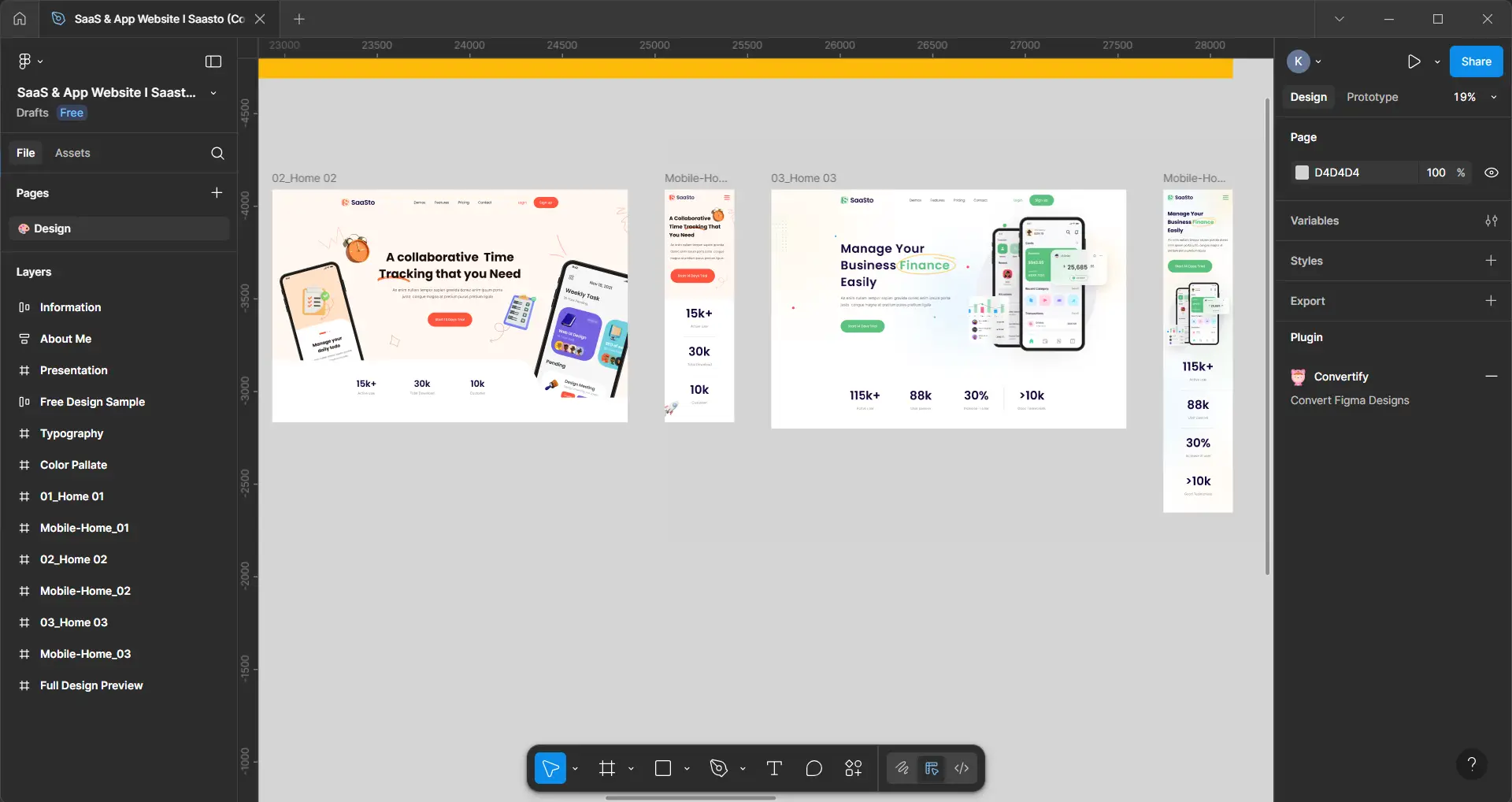
Day 11: Figma Interface – Tools & Shortcuts
Day 12: Frames, Components, and Variants
Day 13: Auto Layout and Constraints
Day 14: Prototyping in Figma – Clickable Flows
Day 15: Sharing & Collaborating on Figma Files
Topics Covered >
Day 16: Moving from Mid-Fi to Hi-Fi – Design Preparation
Day 17: Designing Mobile Screens (UI Patterns)
Day 18: Designing Web/Desktop Interfaces
Day 19: Iconography & Micro-interactions (Intro)
Day 20: UI Animation Basics in Figma
Topics Covered >
Day 21: Understanding Responsive Layouts (Mobile, Tablet, Desktop)
Day 22: Breakpoints and Layout Grids
Day 23: Figma Auto Layout for Responsiveness
Day 24: Designing for iOS vs Android
Day 25: Accessibility in Responsive Design
Topics Covered >
Day 26: Why Prototype? Types of Prototypes
Day 27: Creating Clickable Prototypes in Figma
Day 28: Usability Testing – Planning & Execution
Day 29: Gathering Feedback & Observations
Day 30: Analyzing Results and Iterating Designs
Topics Covered >
Day 31: Hi-Fi UI Screens
Day 32: Prototyping
Day 33: Usability Testing
Day 34: Design Refinement
Day 35: Project Finalization
Topics Covered >
Day 36: What is Design Handoff? Tools & Process (Zeplin, Figma Inspect)
Day 37: Preparing Developer-Friendly Files & Specs
Day 38: Portfolio Preparation (Behance, Notion, Website)
Day 39: Resume & LinkedIn for UX Designers
Day 40: Mock Interview & Final Presentation
Take the next step in your learning
These courses are the perfect follow-up to help you grow faster and smarter.

UX UI design course
Start your UX career with hands-on Figma training. Design websites, apps, and user journeys while building your portfolio.
- 15 weeks
- 75 Modules
- Online

Digital marketing course
Master digital marketing with our course—learn SEO, social media, content, PPC, and analytics to boost online growth and success.
- 8 weeks
- 40 Modules
- Online

WordPress design
Learn to create stunning, functional websites with our WordPress course—no coding needed. Perfect for beginners and professionals.
- 4 weeks
- 20 Modules
- Online

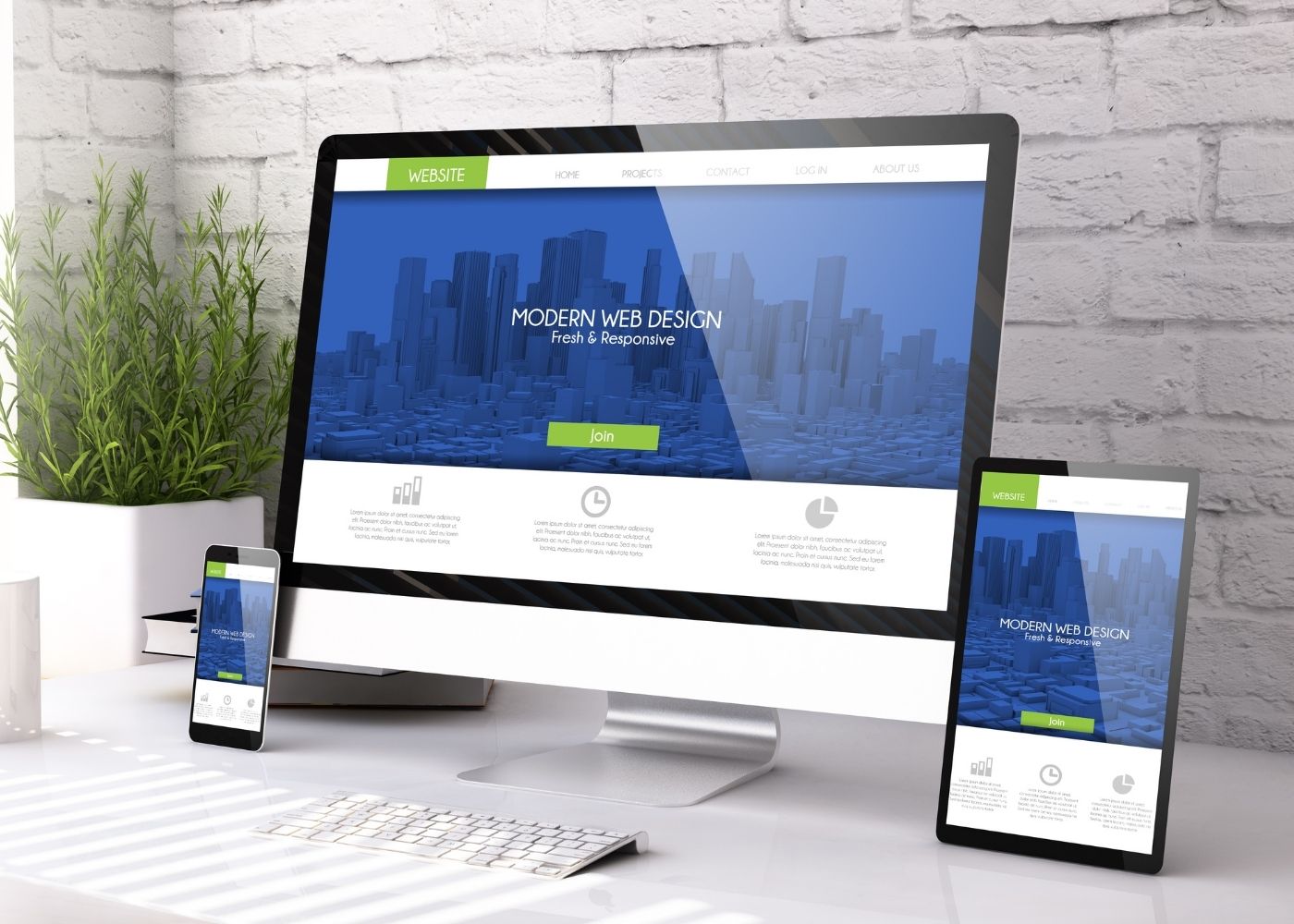
Framer design
Design and publish modern, responsive websites with Framer - no coding needed. Perfect for beginners to build stunning pages easily.
- 4 weeks
- 15 Modules
- Online

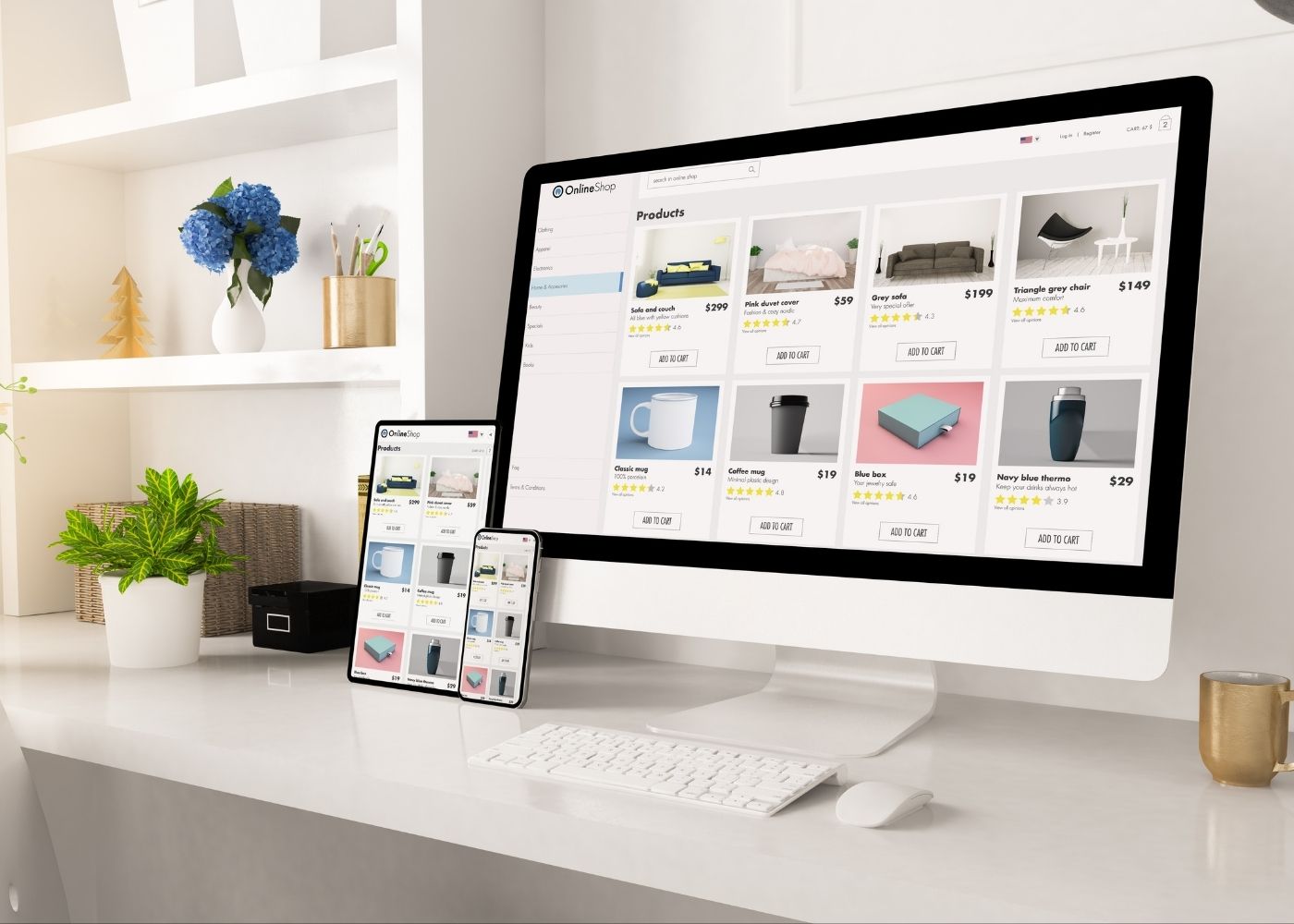
Woo-Commerce
Learn to build, manage, and customize online stores with product setup, payment integration, and e-commerce success strategies.
- 4 weeks
- 20 Modules
- Online